
HabariChat’s aim is to provide a single unified inbox so you don’t have to juggle multiple apps. It also gives you the option to allow the AI agent to respond to clients based on the knowledge base you set up.
WhatsApp integration allows you to directly respond to your messages without logging into the app itself.
First, let’s go over the requirements.
WhatsApp Integration Requirements
- Please note that you must have a WhatsApp Business Platform account set up and linked to a phone number. This number should not be registered to any other existing WhatsApp account(like WhatsApp Messenger, etc.), whether it be virtually or on a device. If you want to use a number that is already set up on WhatsApp, you have to delete the account first. You can read more about it here.
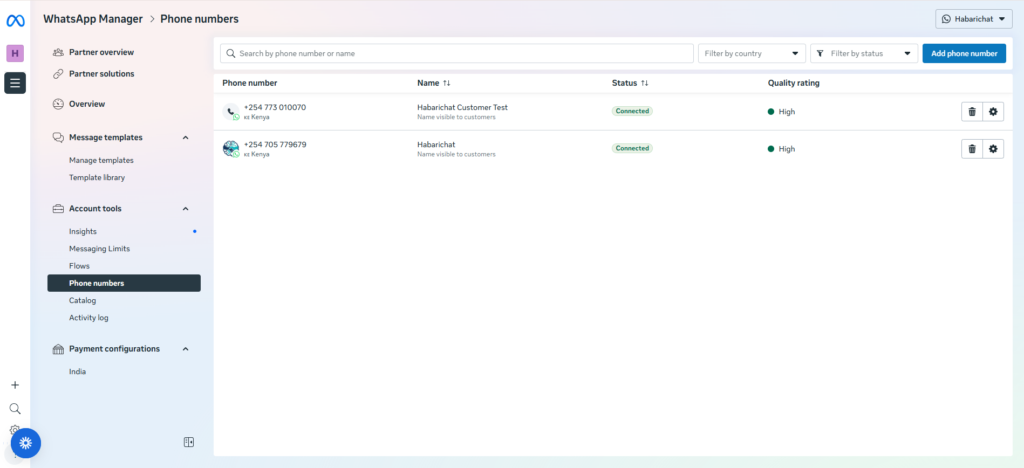
- WhatsApp integration is intended to answer incoming messages only. You cannot initiate a conversation with a WhatsApp user. They must message you first. You will then have 24 hours to respond to the message.
Here is how to set it up:
- Go to “Channels” in your dashboard
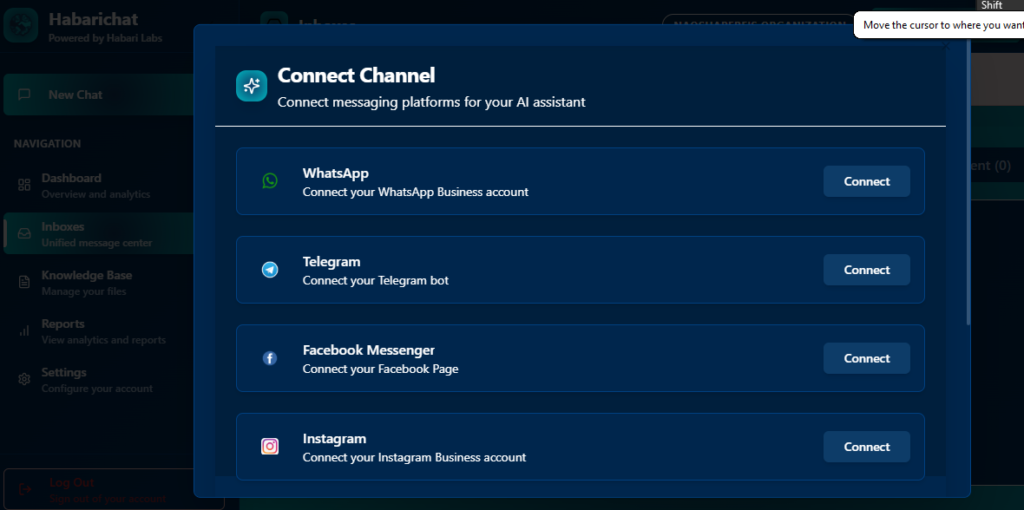
- Select “WhatsApp.” It will ask you to connect WhatsApp with Meta. This is just because these platforms are owned by Meta.
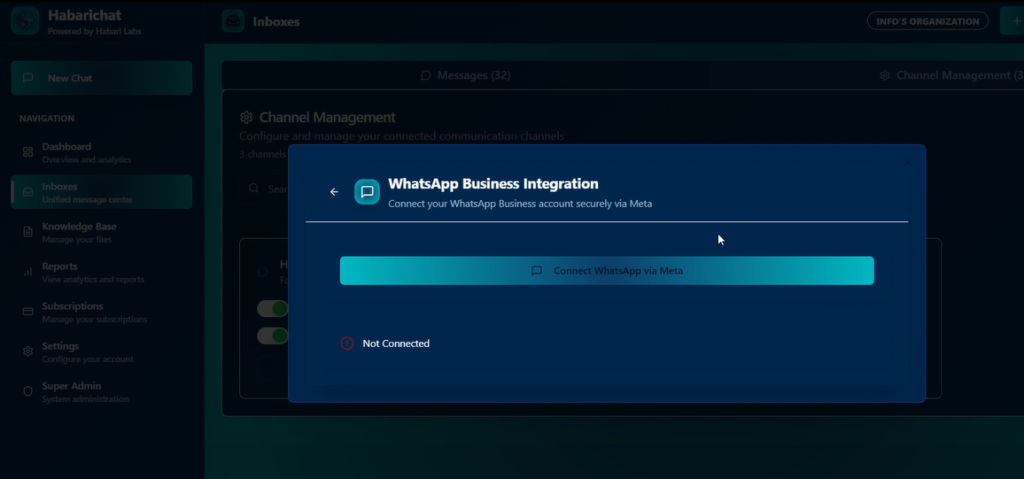
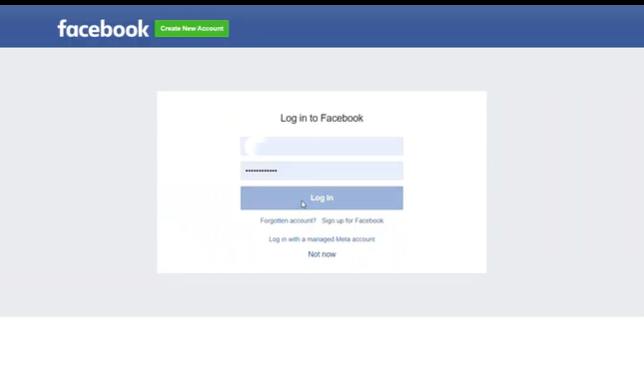
- Log in to your Facebook account.
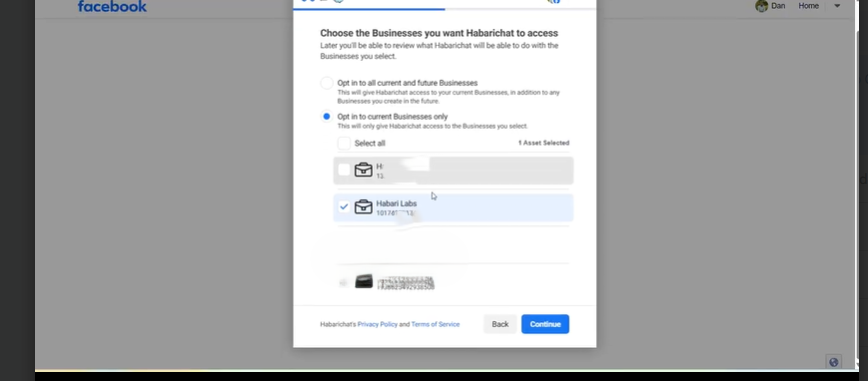
- It will take you to your business profiles, and you can select which one you want integrated.
- Select the account you want HabariChat to access (e.g., HabariChat as shown below)
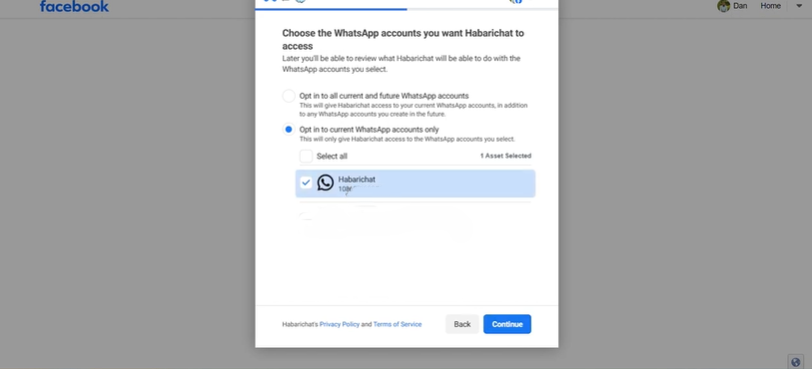
- You will get the confirmation that your numbers are connected.
- And you’re in! You will be redirected to the interface where you can manage your newly integrated channel(s)
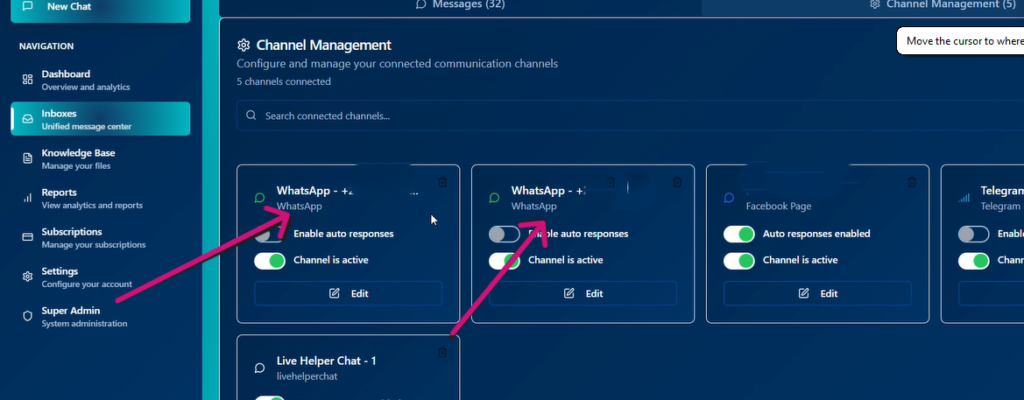
- To ensure that it’s working, you can try sending yourself a message and see whether it’s working.
Done. Now all those “Hi, is this available?” messages land in your HabariChat inbox.
Check out the step-by-step guides on how to integrate Facebook, Instagram, WebChat, and Email.



AI is here to solve problems indeed. Keep up Team @HabariChat.AI
Good local content progress. Keep up Team @HabariChat.AI