
Introduction
Facebook integration enables you to respond to your Facebook Page messages directly from Habarichat AI without logging into Facebook Messenger.
Requirements
- A verified Facebook Business account is required.
2. You cannot initiate a conversation. The client must text you first.
3. Responses need to be 2,000 characters or less. (This is approximately 300 to 500 words, or about one page of single-spaced text)
How to connect your Facebook page on Habarichat AI
Step 1: From your Inbox, go to “Connect channels”.
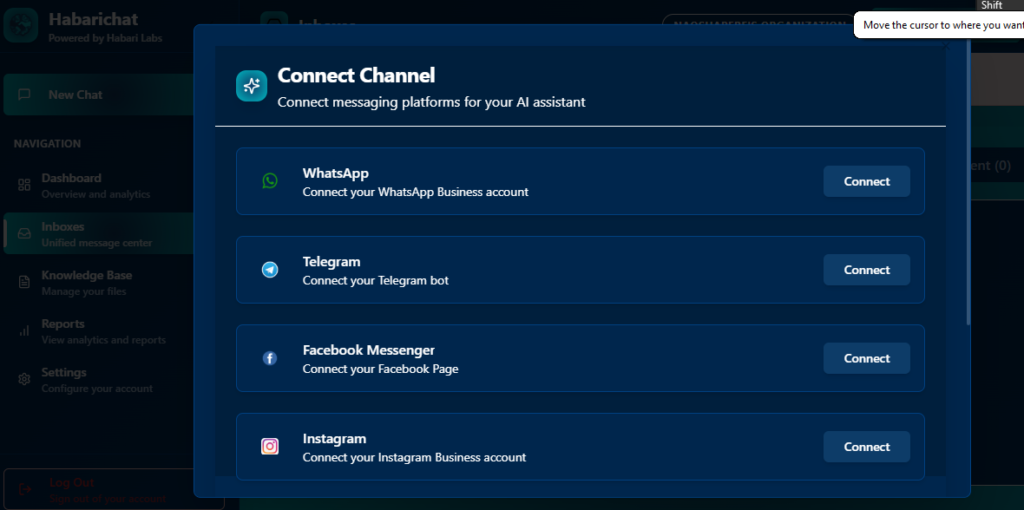
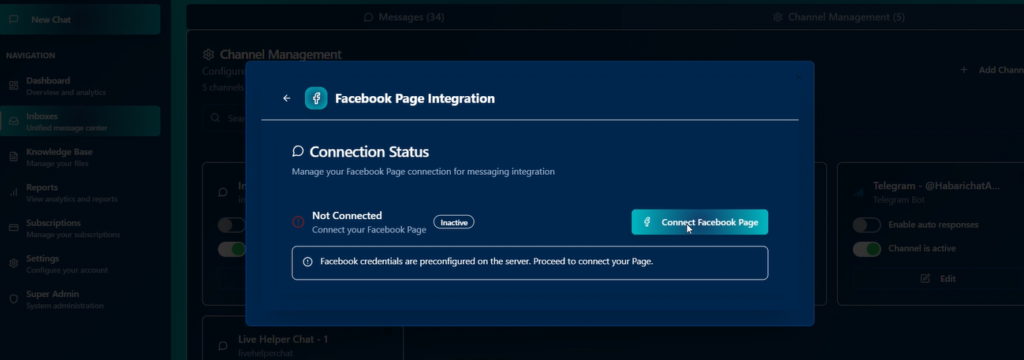
Step 2: Select Facebook Messenger. It will direct you to the “Facebook Page Integration” bar. Click on Connect, as shown below.
Step 3: Select the Facebook page you want to integrate. Presumably, this should be your Business page.
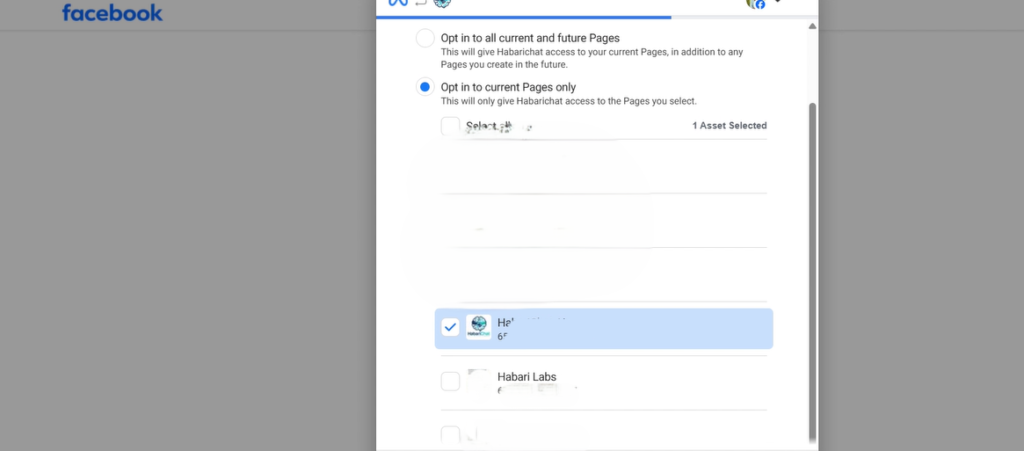
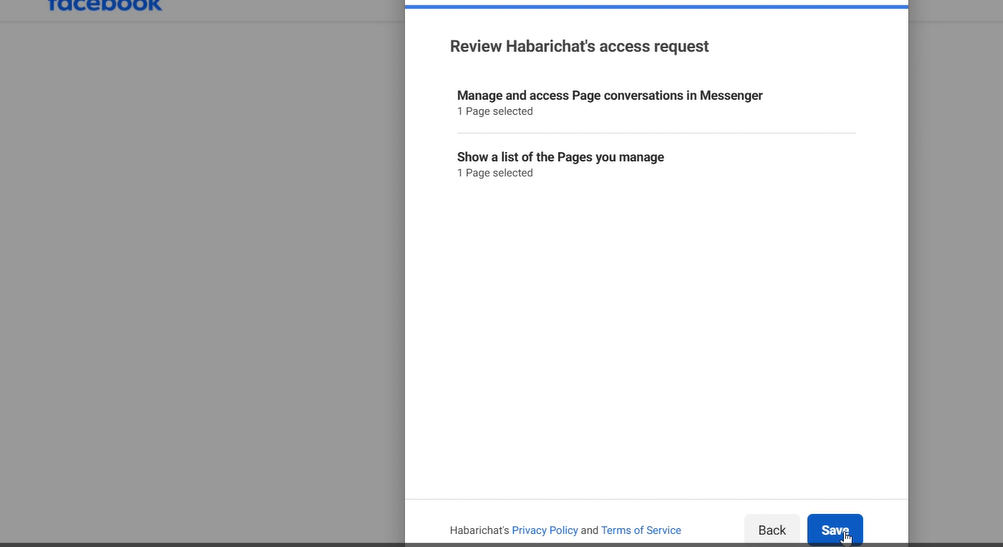
Step 4: Review the access request. This just shows the permissions and functions HabariChat is going to have access to. Click on “Save”
Step 5: You’re in! You will get a pop-up that says on the bottom right of your interface when you get redirected to the Inbox tab of HabariChat. You will also see Facebook added as one of your channels.
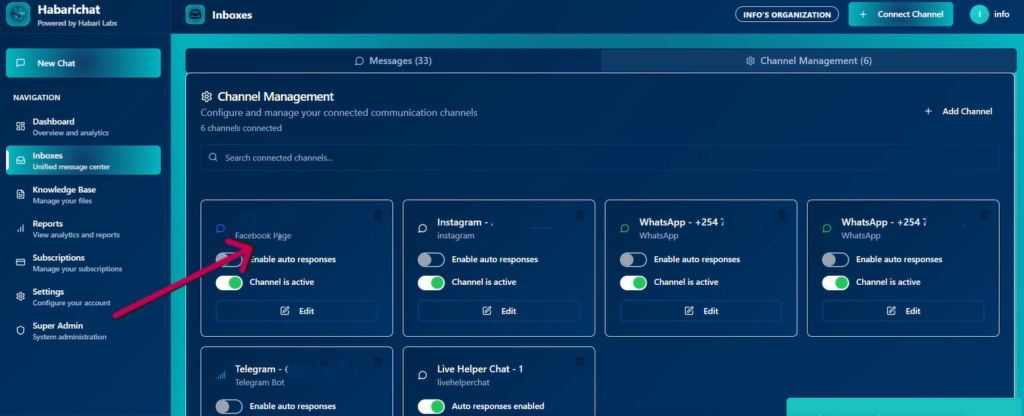
Bonus step: Try testing whether the inbox is working by sending yourself a message from another account. You can then choose to turn on automated responses or edit, then send.
Take it a step further by sending us a screenshot of your integrated inboxes so we can celebrate together! We have more helpful articles on how to integrate Instagram and WhatsApp.


One thought on “How to Integrate Multiple Business Channels to HabariChat: Facebook”